How to Build a Clean Desk Setup (The Complete Guide)
A clean desk is usually built in a specific order, not by buying everything at once. Start with the surface, then the cables, then the light, then the ergonomics. Here is the order we use, and the pick we recommend at each step.
Our picks



Start with the surface
The desk pad is the base of everything. It unifies the keyboard and mouse, shields your wood from spills, and instantly makes the setup look intentional. It's the cheapest high-impact buy in the whole catalogue — do this first.
Kill the cable clutter
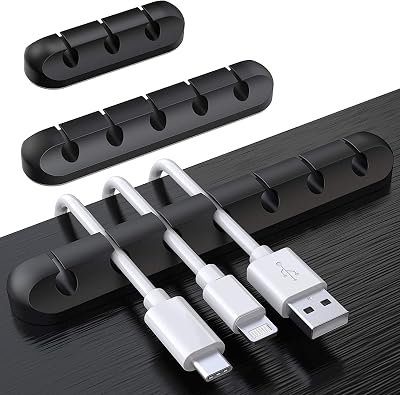
Cables are what make a desk look messy. Two layers of attack: on the surface, clips keep daily charging cords from sliding behind the desk; underneath, a tray hides the power strip and the bundle. Once the cables are gone, the desk looks twice as clean without adding a single gadget.
Fix the lighting, then the ergonomics
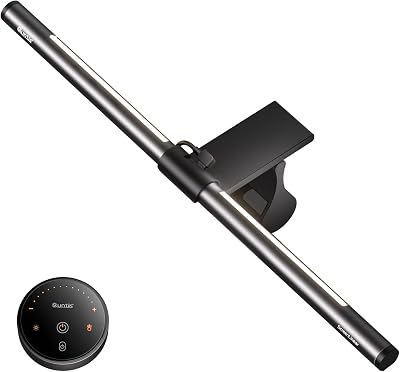
A monitor light bar removes eye strain after dark without cluttering the desk. Then add ergonomics — an ergonomic mouse and a monitor riser — to protect your wrists and neck over long sessions. This is the order we build, and it keeps you from buying things you don't need.
FAQ
What should I buy first, in order?
Desk pad -> cable clips/tray -> monitor light bar -> ergonomic mouse -> keyboard. That order gets the most visual impact for the least money.
Do I need to buy a new desk to get a clean setup?
No. Most of the 'clean' look comes from the pad, cable management, and lighting — not a new desk.